

Step by step
1
Pick the world
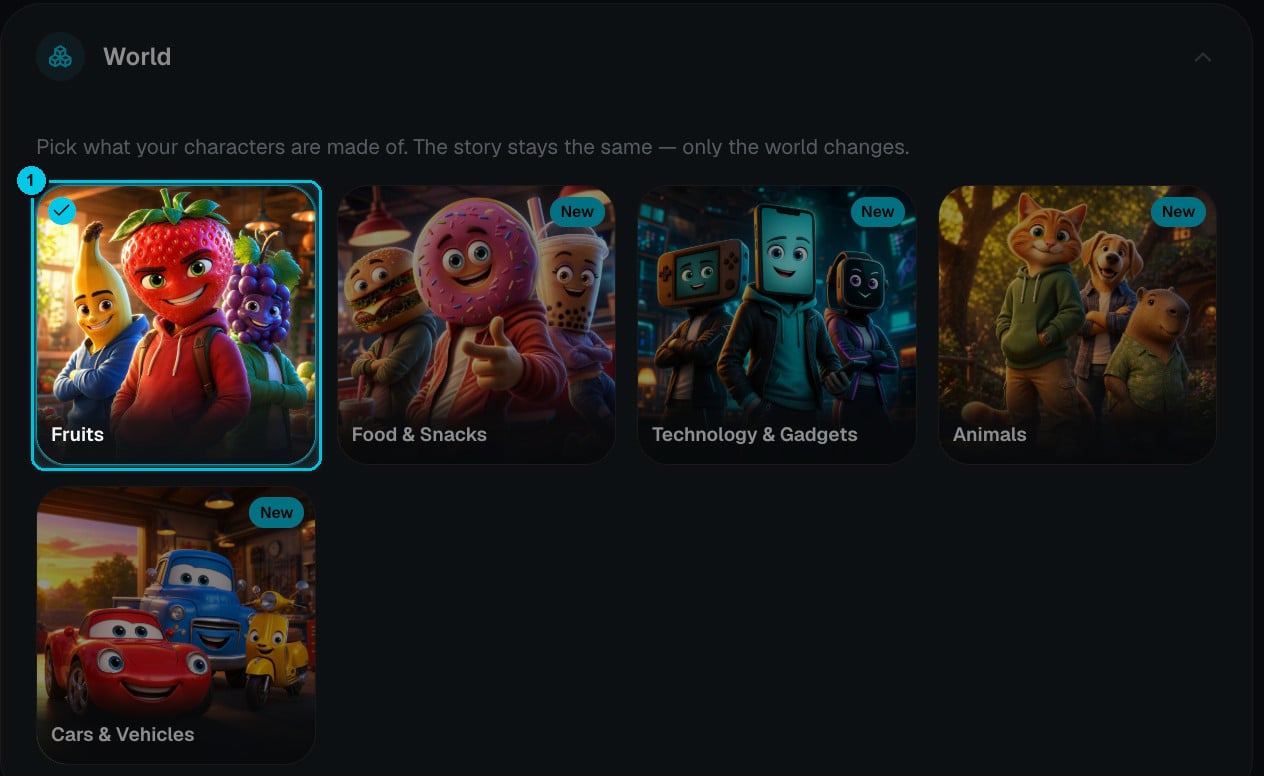
① The world your cast is made of
2
Pick a trending niche
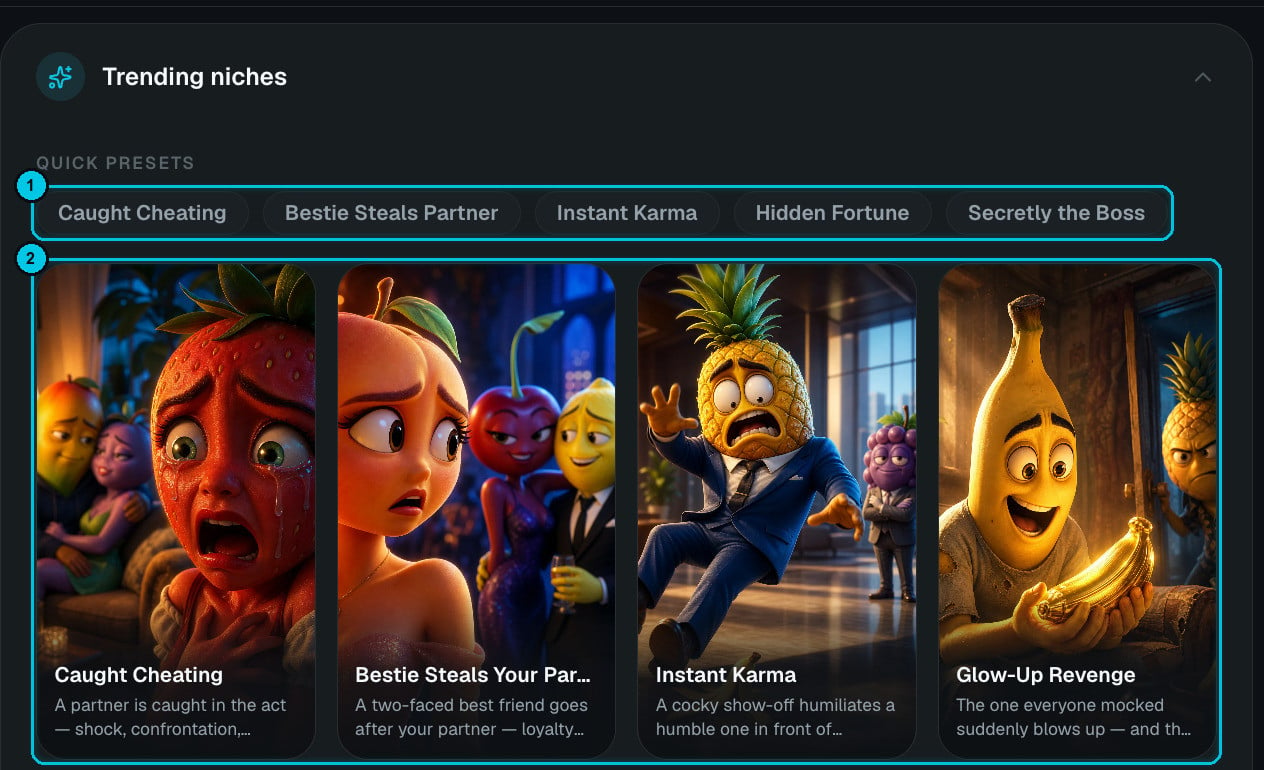
① Quick presets · ② Niche cards with a one-line description
Or choose Other / My niche and describe your own vibe — for example chargers fighting over an outlet. Crealix invents the look, the characters and the style.
3
Write the premise — or let AI do it
The premise is optional. Leave it blank and Crealix writes the whole episode from the niche, or add your own twist (a secret, a betrayal, a specific situation) in up to 5,000 characters. Generate script turns your niche and premise into a complete story you can edit before creating. You can also paste a full script (see below).
4
Choose format and quality
- Aspect ratio — 9:16 or 16:9.
- Duration — 16 seconds, 30 seconds, 1, 2 or 3 minutes.
- Dialogue language — English, Spanish, Portuguese, Korean, Japanese, Indonesian or Mandarin.
- Quality — Normal (1K image, 768p video — recommended) or High (2K image, 1080p video).
5
Generation path, music and captions
Scene images (review the images first, then animate the scenes you approve) or Complete video (everything animated and finished automatically). Pick a soundtrack and a caption style, then Create video.
Script format
- Start every scene with
SCENE n:and every line with the character’s name in capitals. - Keep lines short — each scene is a few seconds of video, and long speeches get rushed.
- Put the twist in the last scene and end on a cliffhanger if you’re making a series.