

Step by step
1
Choose the skeleton
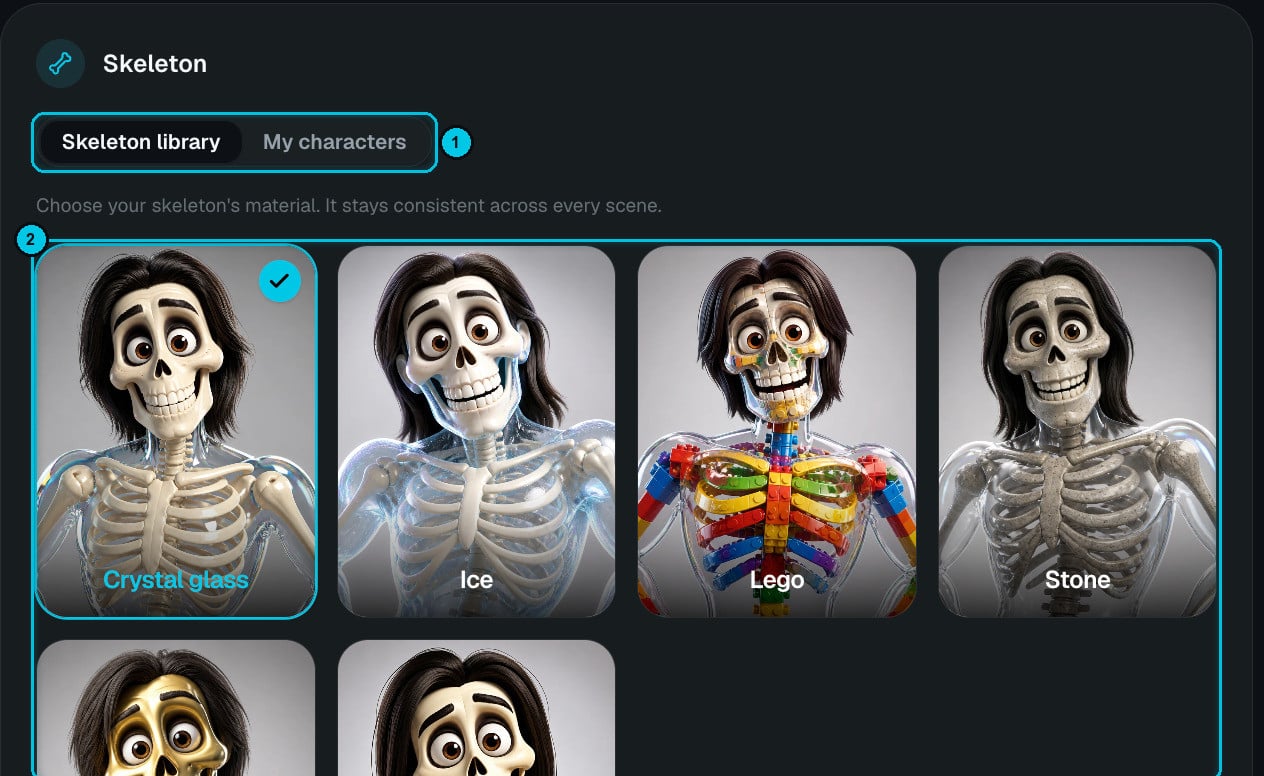
① Skeleton library / My characters · ② Materials
2
Choose format and language
9:16 or 16:9; 16 seconds, 30 seconds, 1 minute, 2 minutes or 2 minutes 30 seconds; the narration language; and Normal or High quality.
3
Choose the story format
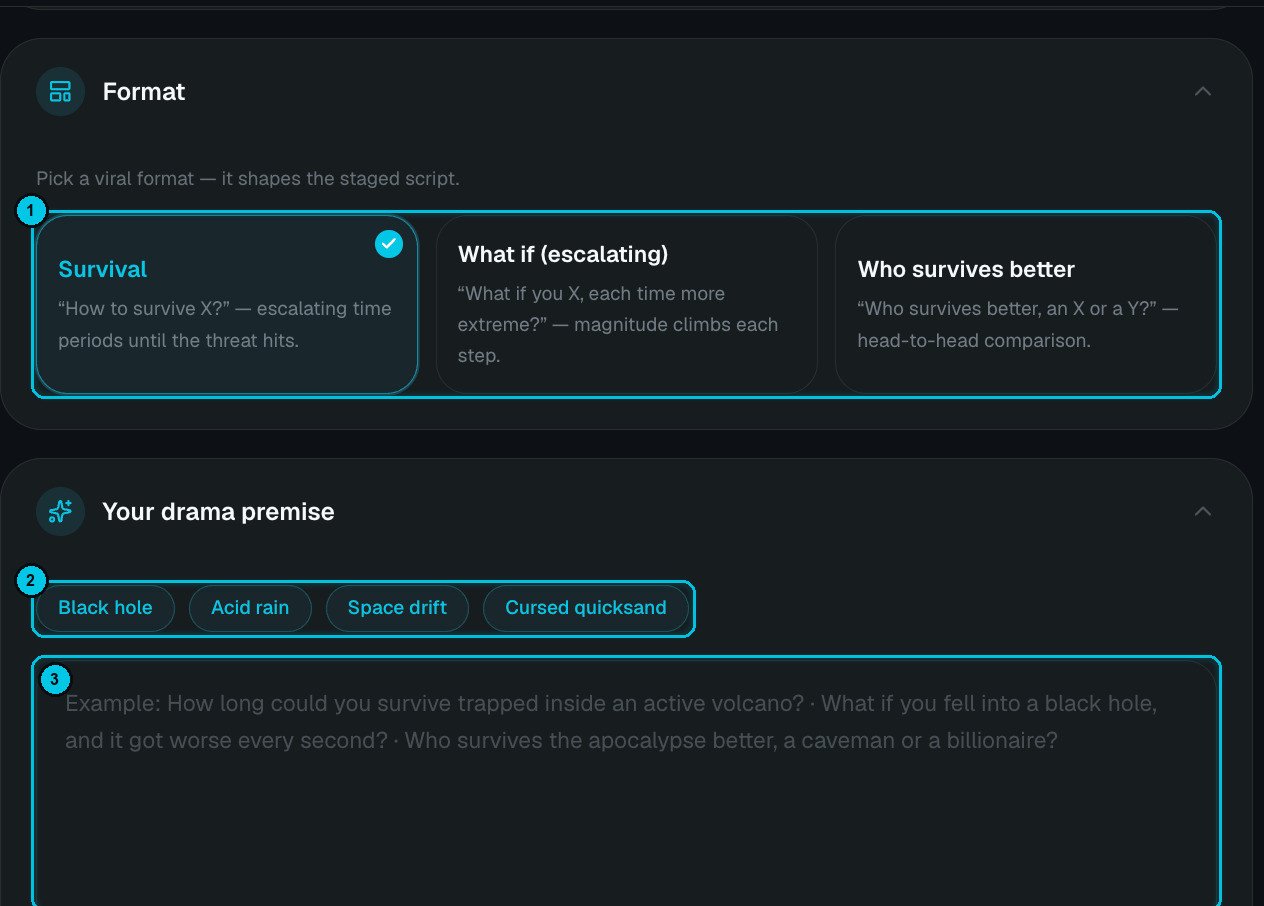
① Story format · ② Premise examples · ③ Your premise or script
4
Write the premise — or the script
Click an example chip (Black hole, Acid rain, Space drift, Cursed quicksand…) or write your own premise:
- How long could you survive trapped inside an active volcano?
- What if you fell into a black hole, and it got worse every second?
- Who survives the apocalypse better, a caveman or a billionaire?
5
Tune the voice
The skeleton has a single narrator. Pick a voice and use Voice tuning: presets (Natural, Documentary, Dramatic, Energetic), consistency, style intensity and speed (0.9×–1.2×). Preview voice before you create.
6
Generation path, music and captions
- Scene images (cheaper) — Crealix plans the arc and generates the scene images, narration and captions, plus a video prompt for every scene. Animate the clips one by one after review.
- Complete video — Crealix plans the survival arc, generates the scenes, animates every skeleton clip with the voiceover, adds captions and finishes the Short automatically.