

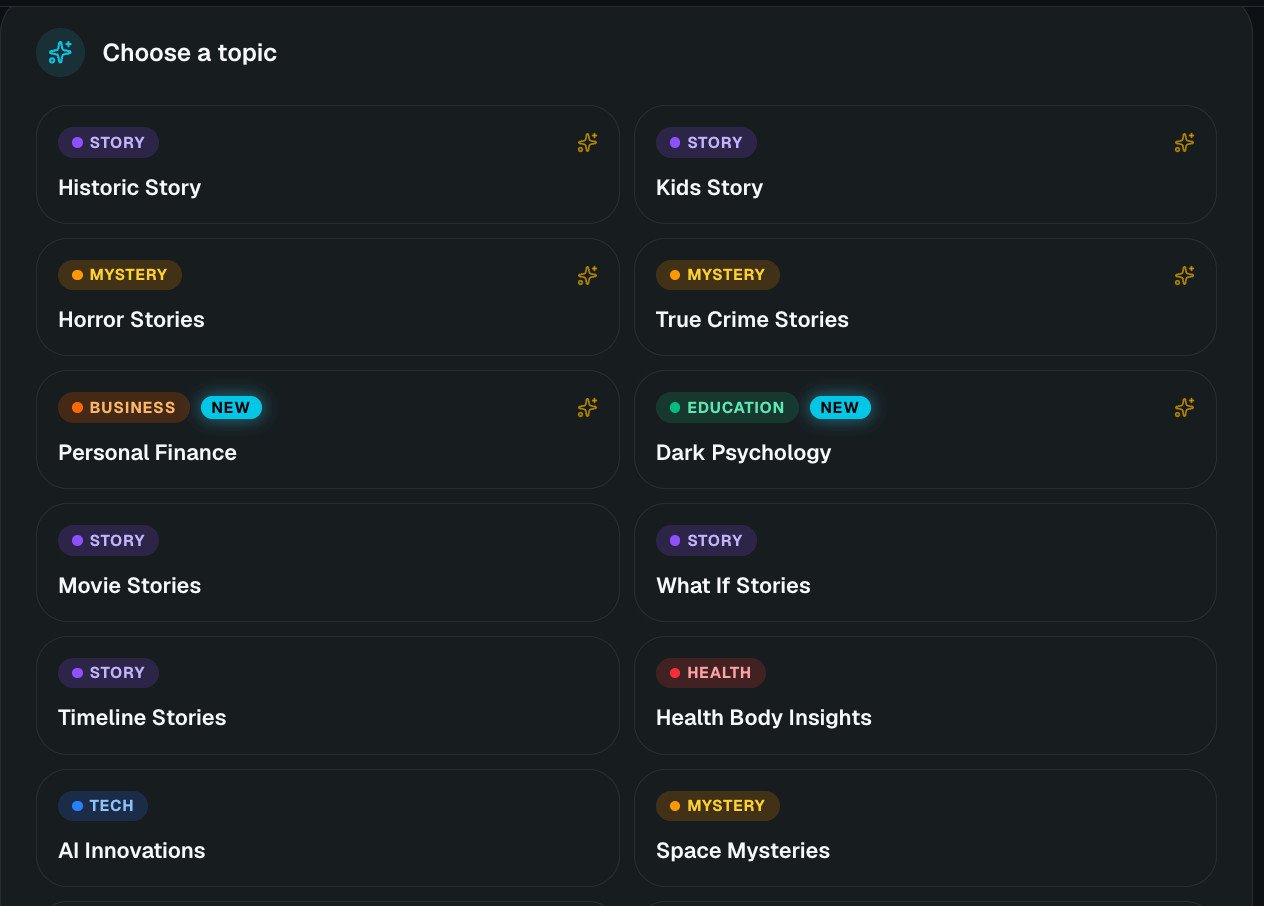
Topics are grouped by category: Story, Mystery, Business, Education, Health and Tech
Step by step
1
Choose a topic
The topic tells the AI writer what kind of video to make — its tone, structure and visual language.
2
Add extra detail (optional, but recommended)
Extra detail for this topic narrows the topic down. It doesn’t replace it.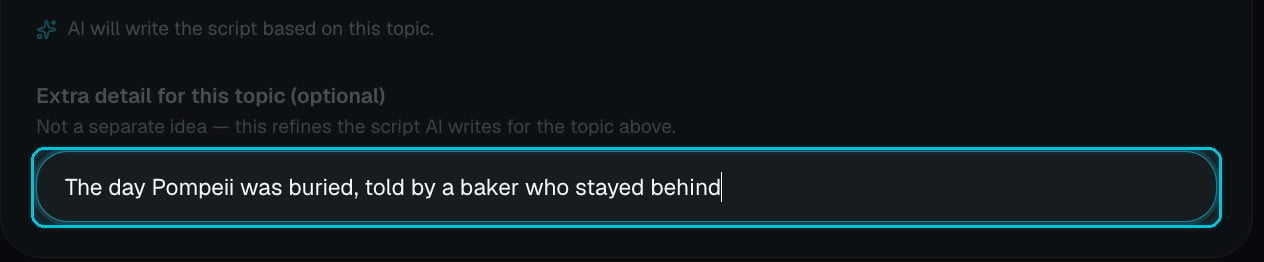
Leave it empty and Crealix picks a fresh angle on the topic each time — handy for testing, and exactly what Autopilot does for every episode.
3
Add characters (optional)
Up to 4 characters — the first one is the lead. Use them when the same person (or mascot) must look identical in every scene.
4
Set format, quality and look
- Aspect ratio — 9:16, 16:9 or 1:1.
- Duration — 30–55 s, 1, 2, 3, 5, 10, 15 or 20 minutes.
- Narration language — 29 languages.
- AI image quality — Basic, Pro or Ultra, plus Multi-clip first scene and Visual continuity.
- Visual style, voiceover, music and captions.
5
Choose the generation path and create
Images first (cheaper — animate scenes later in the editor) or Full AI Video (choose how many scenes to animate and the clip quality). Check the estimate in the bottom bar and click Create video.
What happens after you click Create
- Script — the AI writes a script for your topic, timed to the duration, with a hook in the first seconds and a payoff at the end.
- Narration — the script is recorded with your voice and tuning, and split into scenes.
- Scenes — each scene gets an image prompt in your visual style (and your characters), then the image is generated. With Full AI Video, the chosen scenes are also animated.
- Finishing — captions are timed word by word, music is mixed under the voice, and sound effects are placed on key moments.
Cost
A 60-second video costs about 10 credits with Basic images or 15 with Pro. Animating scenes into video adds the clip cost (for example about 11 credits for a 5-second 768p clip with MiniMax H3 Max Turbo). Rendering is free in your browser or charged by length in the cloud. The exact estimate is always shown before you create.Tips for better topic videos
- Be specific in the extra detail. A person, a place, a moment or a twist beats a general subject every time.
- Match style to topic. Stickman or Lego for light history, Creepy Cartoon or Cinematic for horror, Realistic for true crime.
- Use Multi-clip first scene for Shorts. The opening seconds decide whether people stay.
- Want every word to be yours? Use Script to AI Story instead.