

Step by step
1
Write the prompt
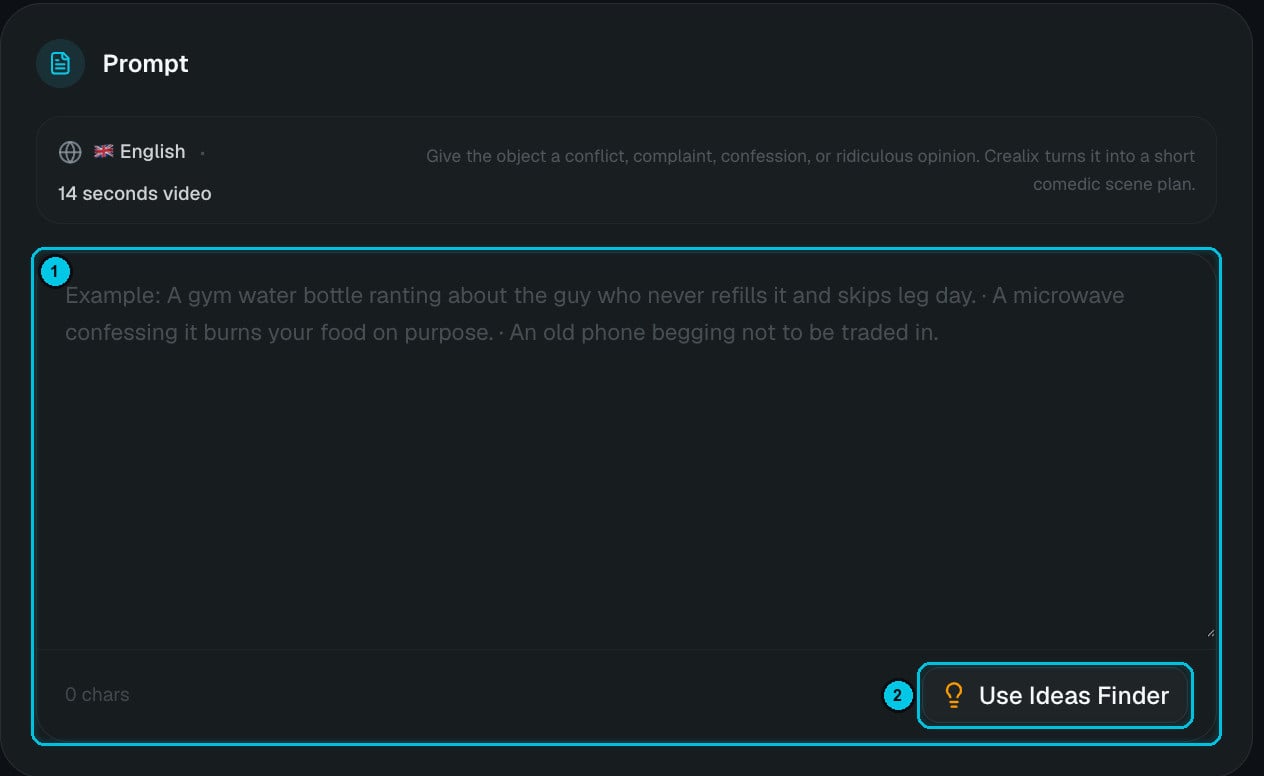
① The prompt · ② Use Ideas Finder
- A gym water bottle ranting about the guy who never refills it and skips leg day.
- A microwave confessing it burns your food on purpose.
- An old phone begging not to be traded in.
2
Pick a preset and a mood
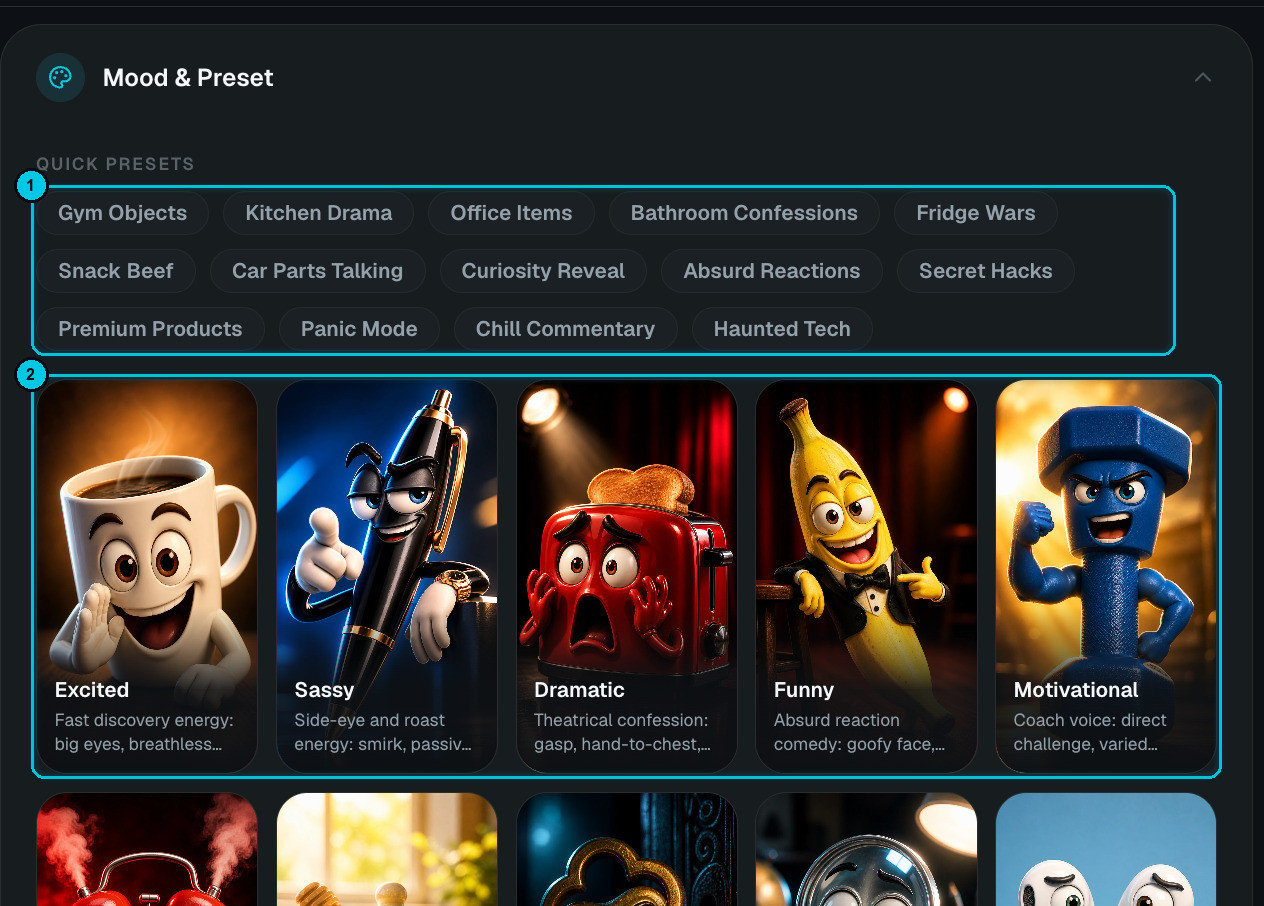
① Quick presets · ② Moods
…plus Angry, Wholesome, Mysterious, Curious, Confused, Sneaky, Luxury, Nervous, Chill and Haunted.
3
Set up the characters
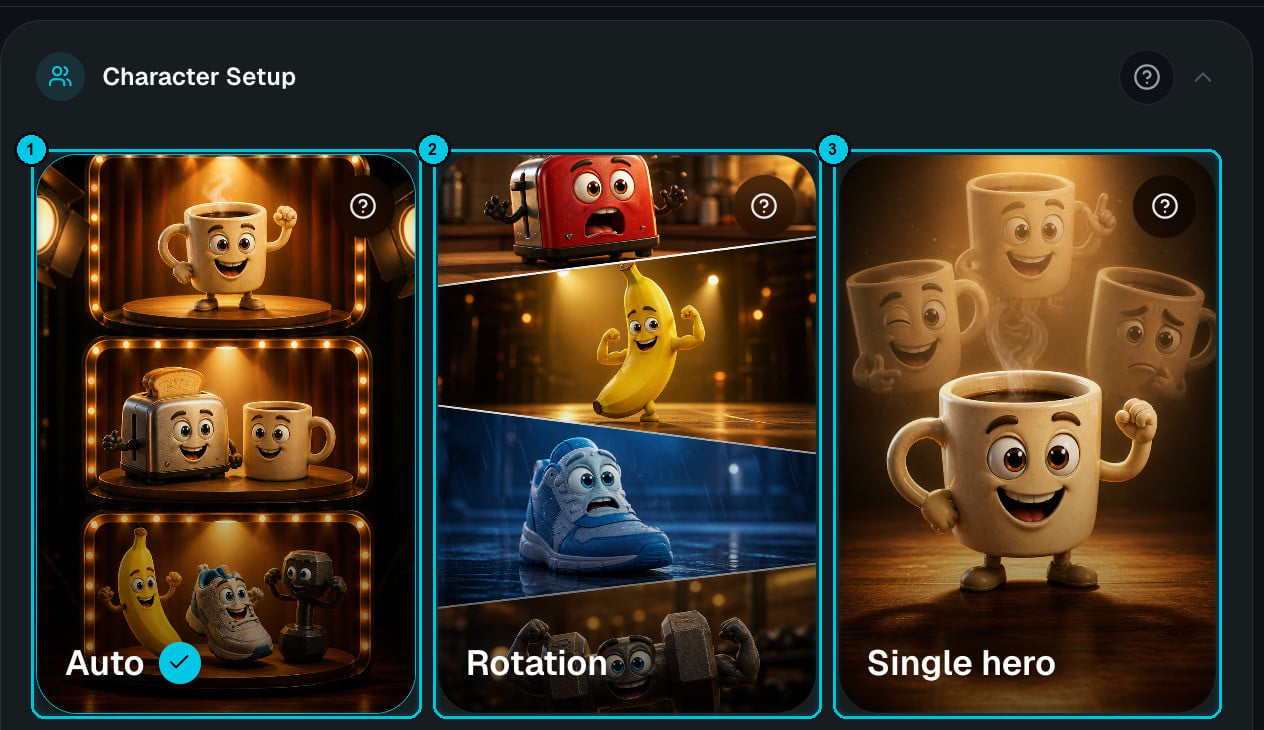
① Auto · ② Rotation · ③ Single hero (Dual is next to it)
Click the ? on a card for advice on when to use it and when to avoid it.
4
Choose duration, language and quality
- Aspect ratio — 9:16 or 16:9.
- Duration — from 6 seconds to 1 minute. Videos are built from 6- and 8-second scenes, so only valid combinations are offered.
- Dialogue language — English, Spanish, Portuguese, Korean, Japanese, Indonesian or Mandarin.
- Quality — Normal (1K image, 768p video — recommended) or High (1K image, 1080p video — for polished exports).
5
Choose the generation path, music and captions
- Scene images (cheaper) — Crealix plans the bit, generates the object images and prepares a video prompt for every scene. Approve the visual comedy first, then generate the clips one by one in the editor.
- Complete video — Crealix plans the joke, generates the scenes, animates the talking objects with native audio, adds captions and finishes the Short automatically.
Pro tweaks
Two switches make the joke land harder without editing every scene:- SFX layer — adds light, context-aware sound effects during rendering: impacts, reactions, comedic beats.
- Expression markers — lets the script carry cues like (laughs), (sighs) or (whispers) so the generated dialogue doesn’t feel flat.