

Step by step
1
Write the idea — or the script
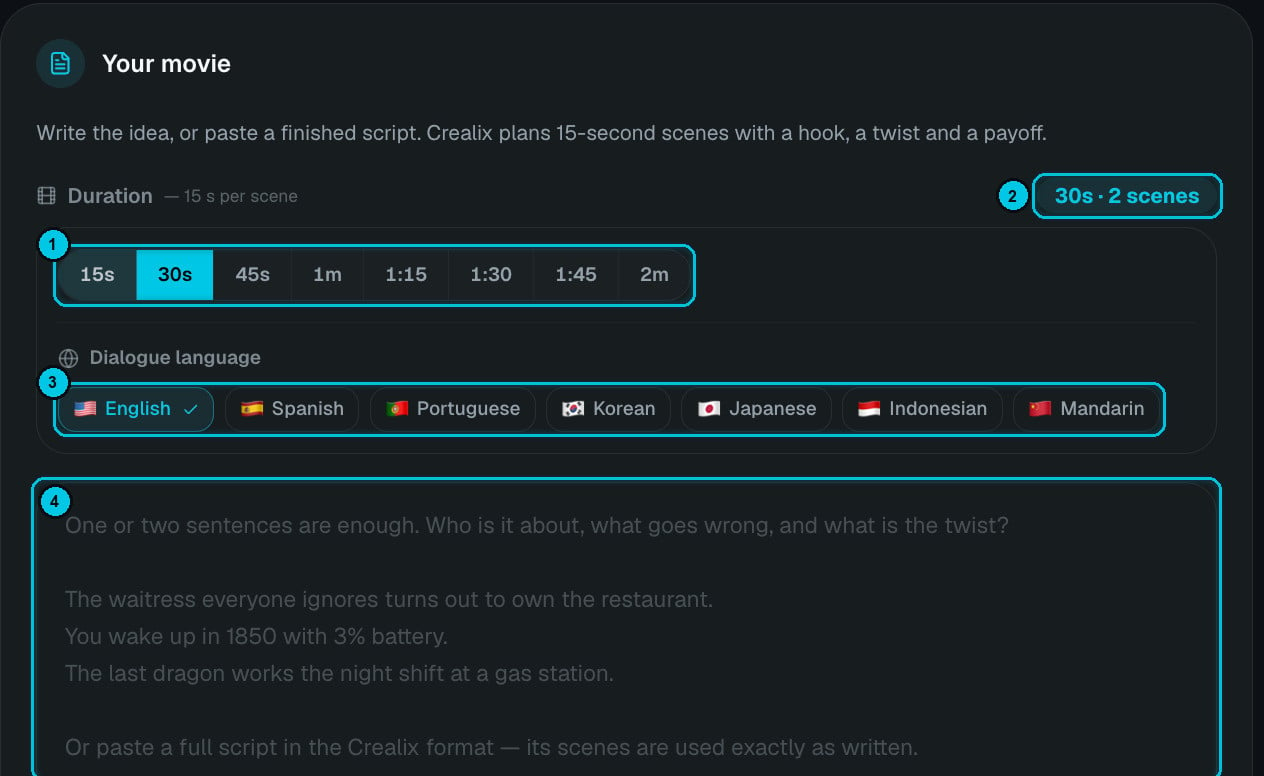
① Duration · ② Scenes counter · ③ Dialogue language · ④ Your idea or script
- The waitress everyone ignores turns out to own the restaurant.
- You wake up in 1850 with 3% battery.
- The last dragon works the night shift at a gas station.
- Generate premise — the AI proposes an idea.
- Write it with an AI — opens a prompt you can paste into your favourite chatbot to write the script with it.
- Copy format template — copies the Crealix script format so you can write a full script (up to 5,000 characters). A full script’s scenes are used exactly as written.
2
Choose duration and language
Duration goes from 15 seconds to 2 minutes in 15-second steps (15 s, 30 s, 45 s, 1 m, 1:15, 1:30, 1:45, 2 m). The counter (②) shows how many scenes you’ll get — for example 30 s · 2 scenes.Dialogue languages: English, Spanish, Portuguese, Korean, Japanese, Indonesian and Mandarin.
3
Pick the story type and pacing
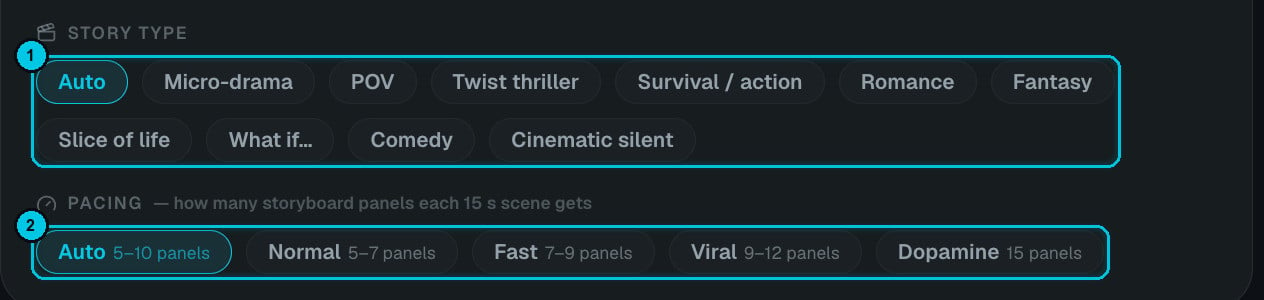
① Story type · ② Pacing
4
Set the format, cast and look
- Aspect ratio — 9:16, 1:1 or 16:9.
- Quality — 480p (economy), 768p (recommended) or 1080p (max).
- Characters — up to 6 from your Characters, so your cast looks the same in every shot.
- Visual style, plus optional visual context (up to 1,500 characters) describing the world: era, place, lighting, wardrobe. Visual context takes priority over the style.
5
Choose the generation path
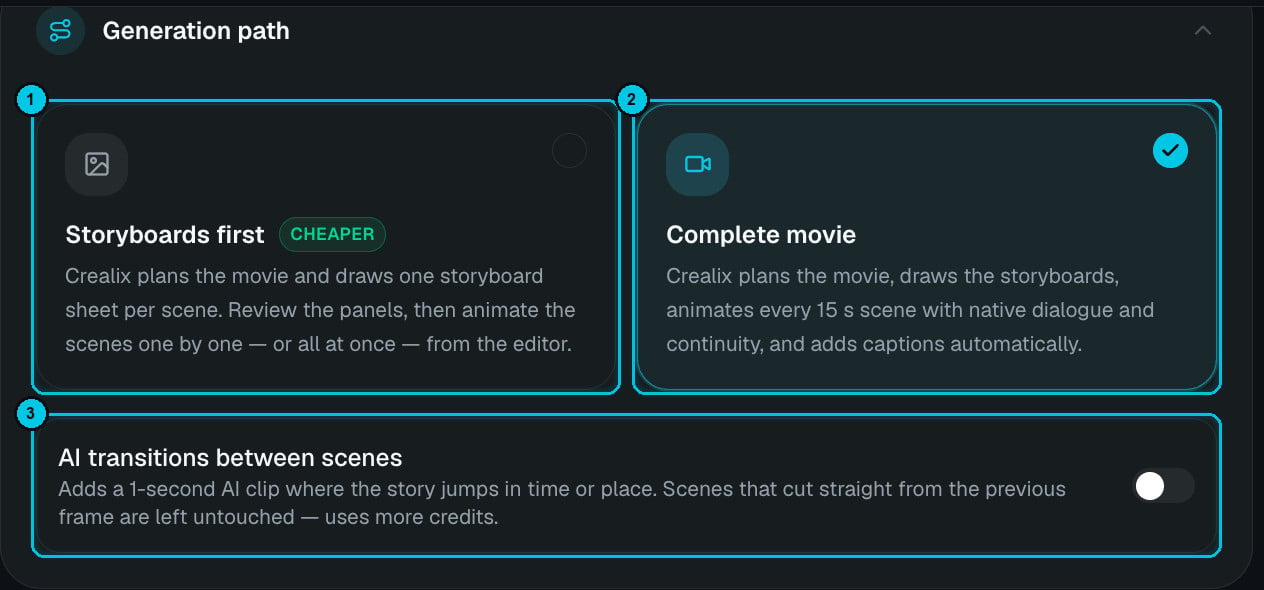
① Storyboards first · ② Complete movie · ③ AI transitions between scenes
- Storyboards first (cheaper) — Crealix plans the movie and draws one storyboard sheet per scene. Review the panels, then animate the scenes one by one — or all at once — from the editor.
- Complete movie — Crealix plans the movie, draws the storyboards, animates every 15-second scene with native dialogue and continuity, and adds captions automatically.
- AI transitions between scenes — adds a 1-second AI clip where the story jumps in time or place. Scenes that cut straight from the previous frame are left untouched. Uses more credits.
Cost
A 30-second movie (2 scenes) costs about 139 credits and a 60-second movie about 273 credits with Complete movie at 768p. 480p is cheaper and 1080p costs more; Storyboards first lets you approve the storyboards before paying for video. You’re charged on the actual result.Tips for strong short films
- Write the twist first, then the setup that hides it.
- One location, two or three characters keeps continuity tight in short durations.
- Use visual context for period pieces or a specific world — “1920s Chicago, rain, neon signs, film noir lighting”.
- Pick Viral or Dopamine pacing for Shorts; Normal for 16:9 films with more dialogue.